Your DeepL Academy
Whatever you're trying to do with DeepL—translate a file in seconds, set up glossaries, or get DeepL Voice running before your next meeting—there's a short, expert-led video that gets you there. Pick a filter, press play, and DeepL it.
Every video, in one place
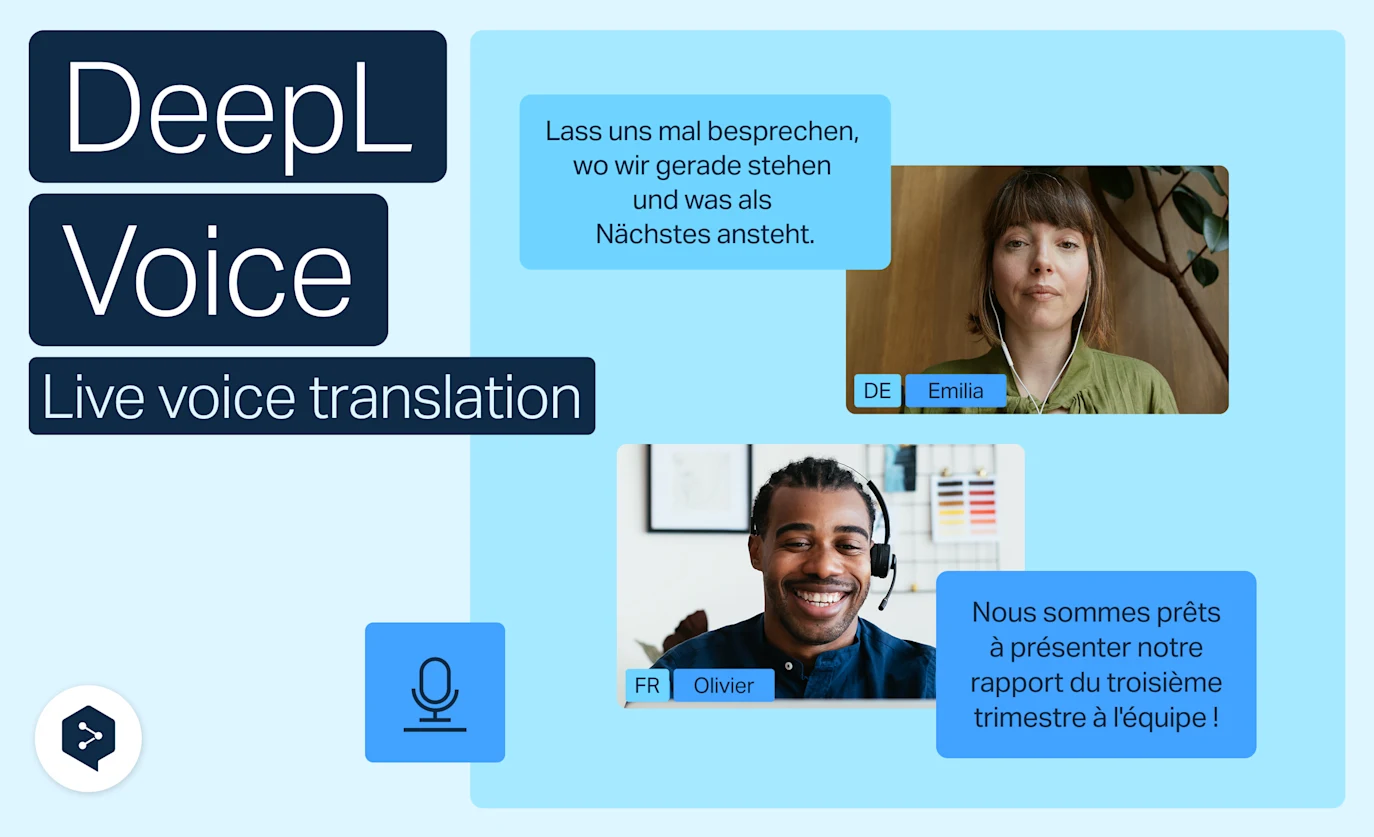
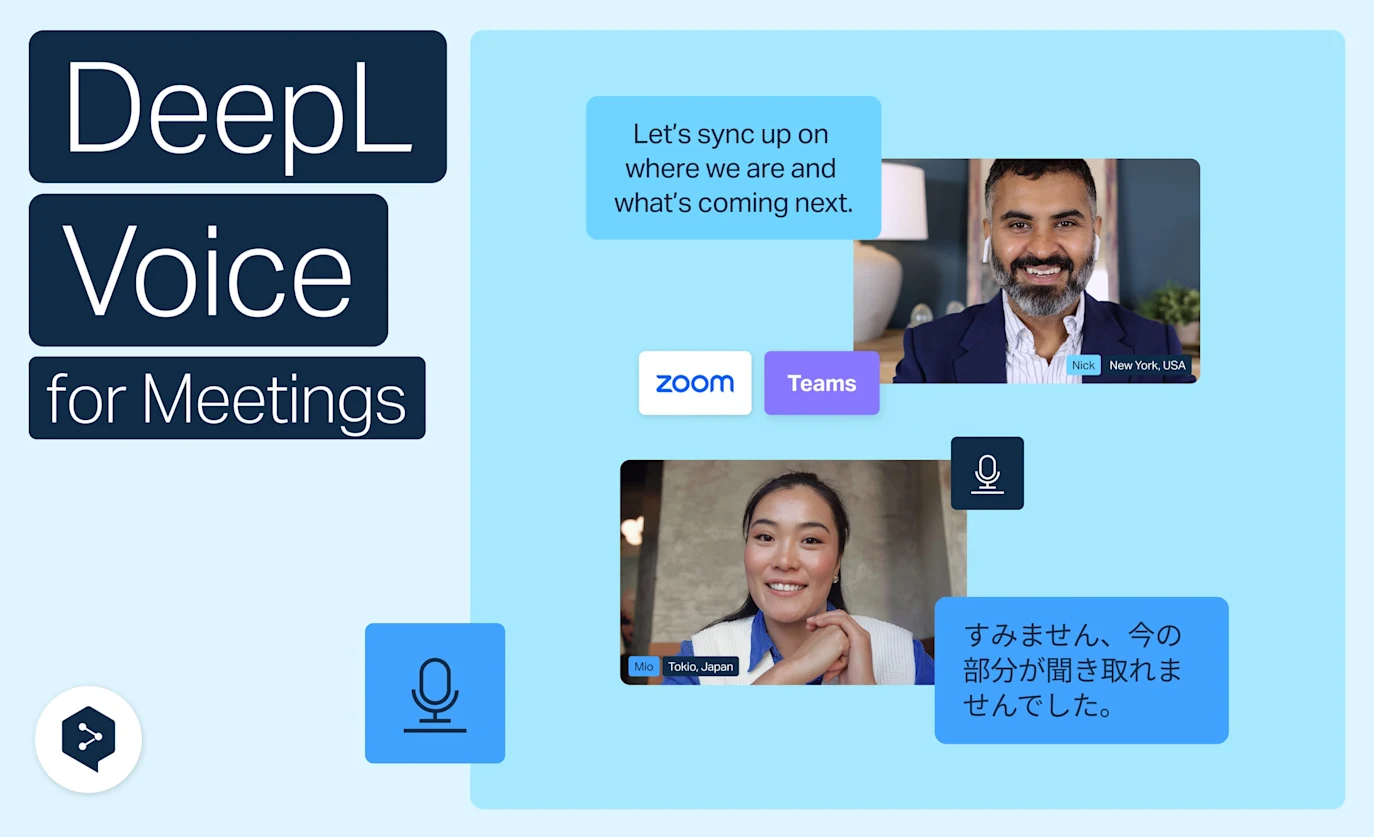
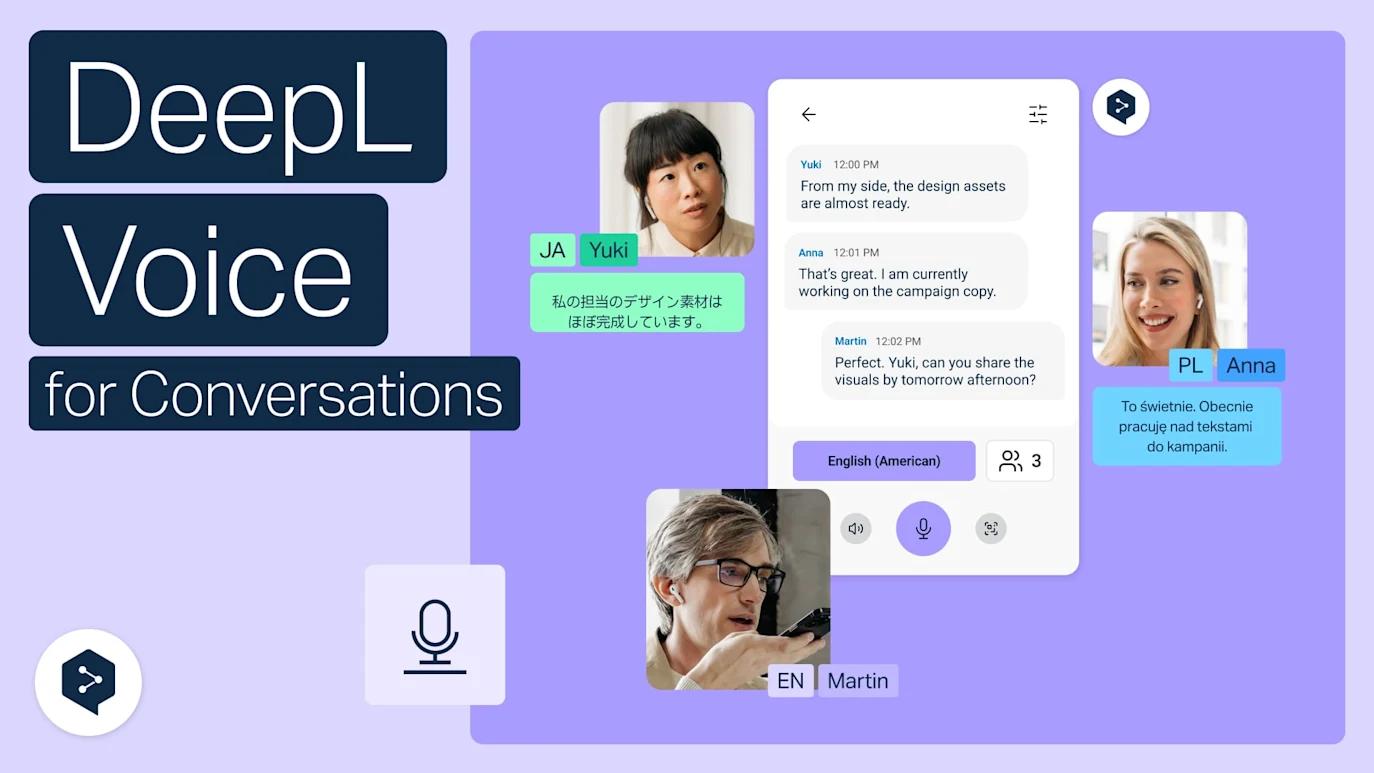
Hear Voice to voice translation in Zoom, Teams, and Meet
With Voice to voice in DeepL Voice, you hear translations spoken out loud in real time, in your own language.
- Time: 3 minutes
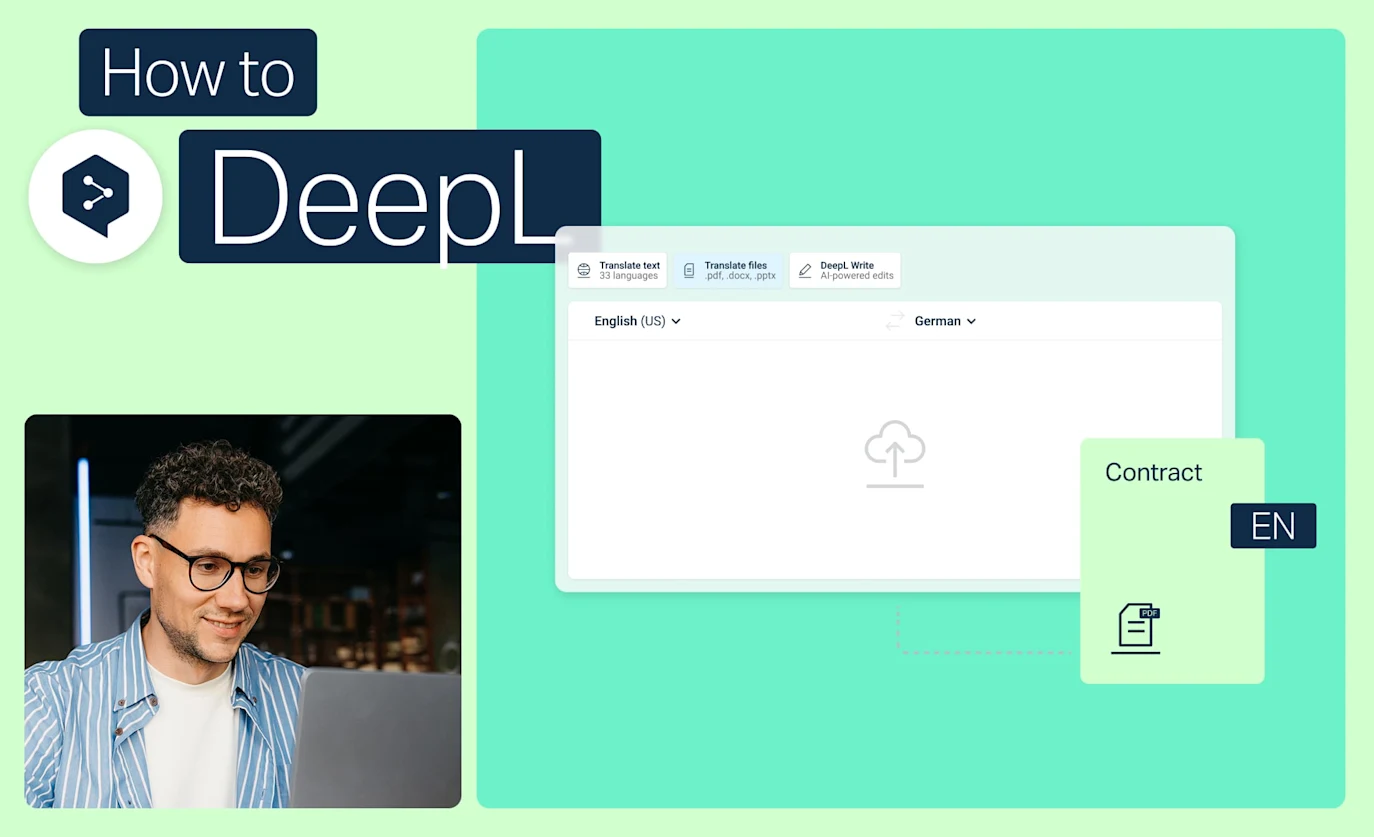
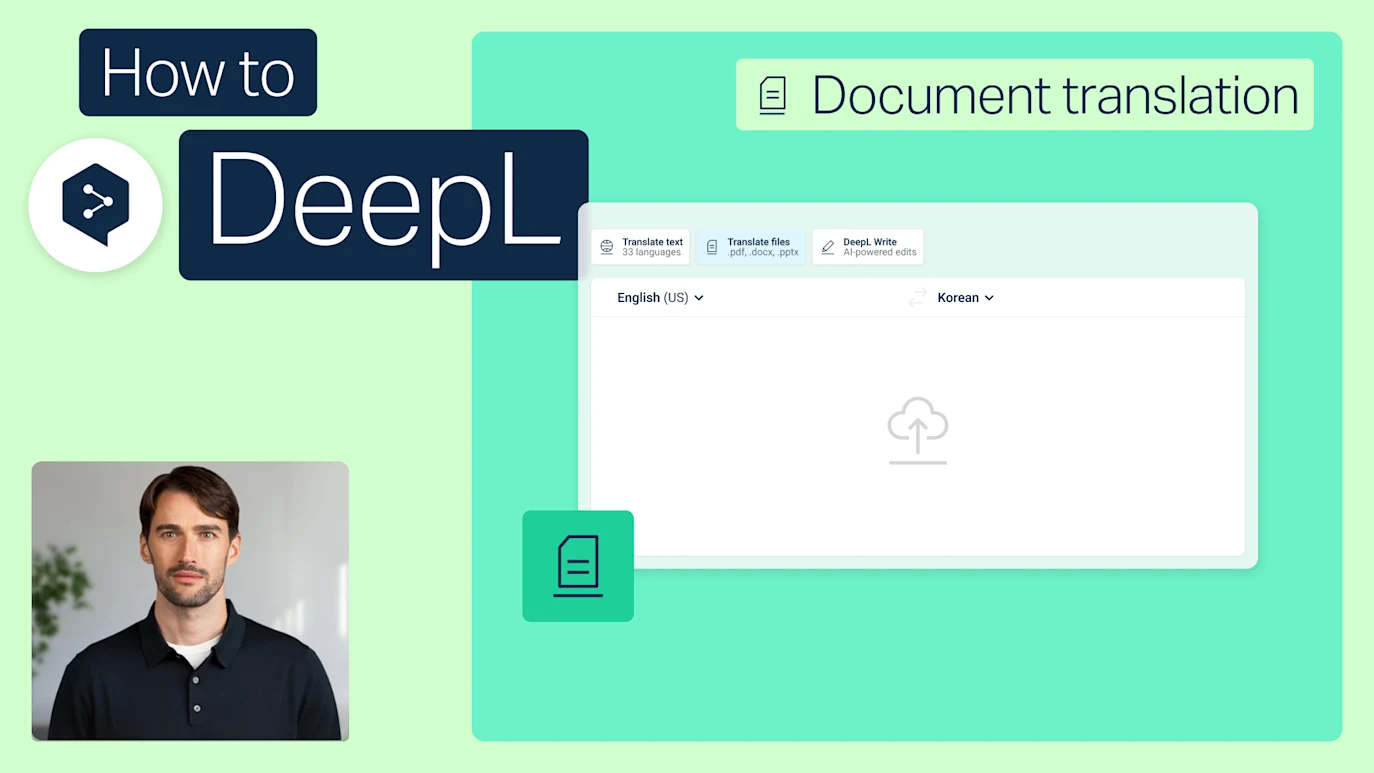
Make your file translation smarter
Stop translating files one by one. Discover best practices for file management, batch translation, and custom settings.
- Time: 2 minutes
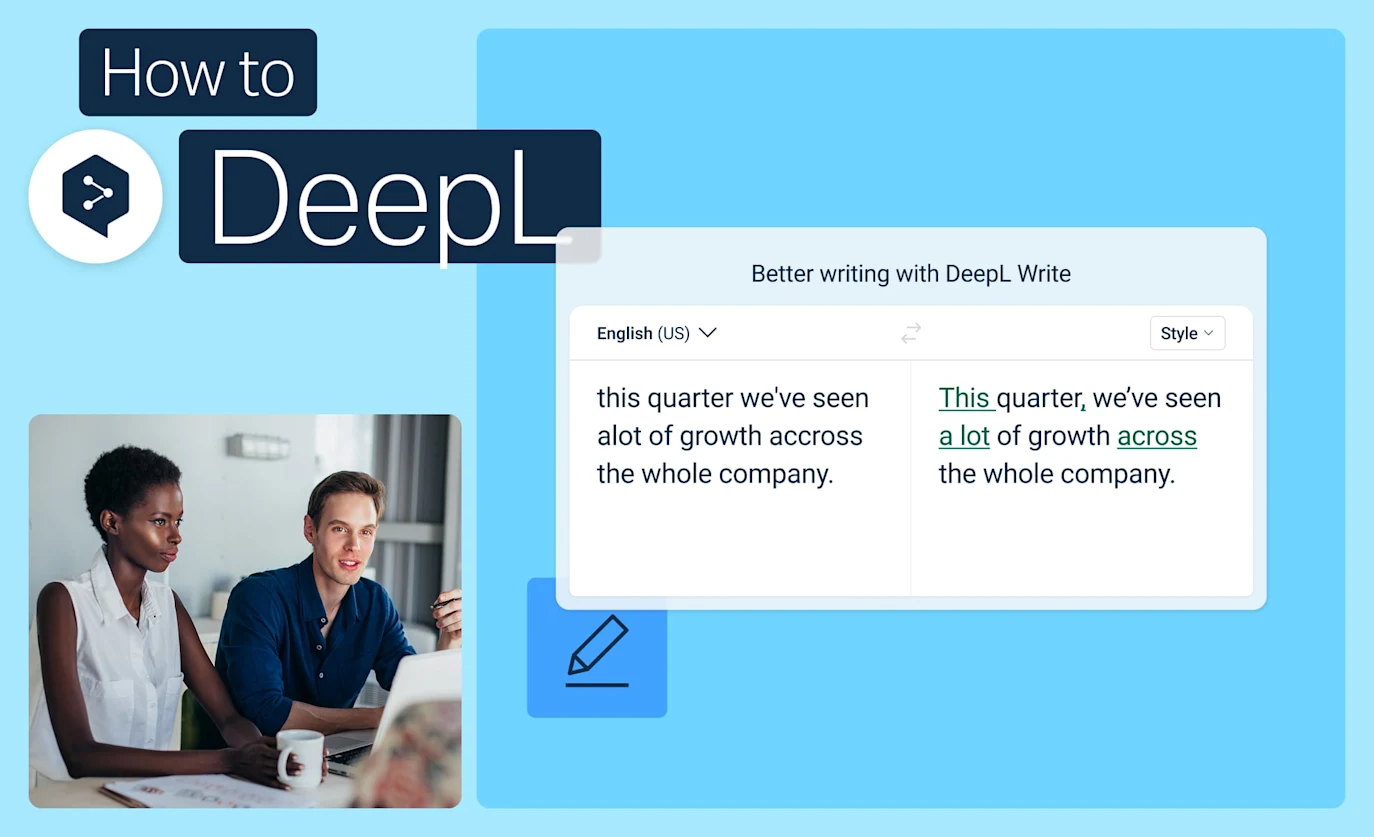
Tips and tricks for perfect translations
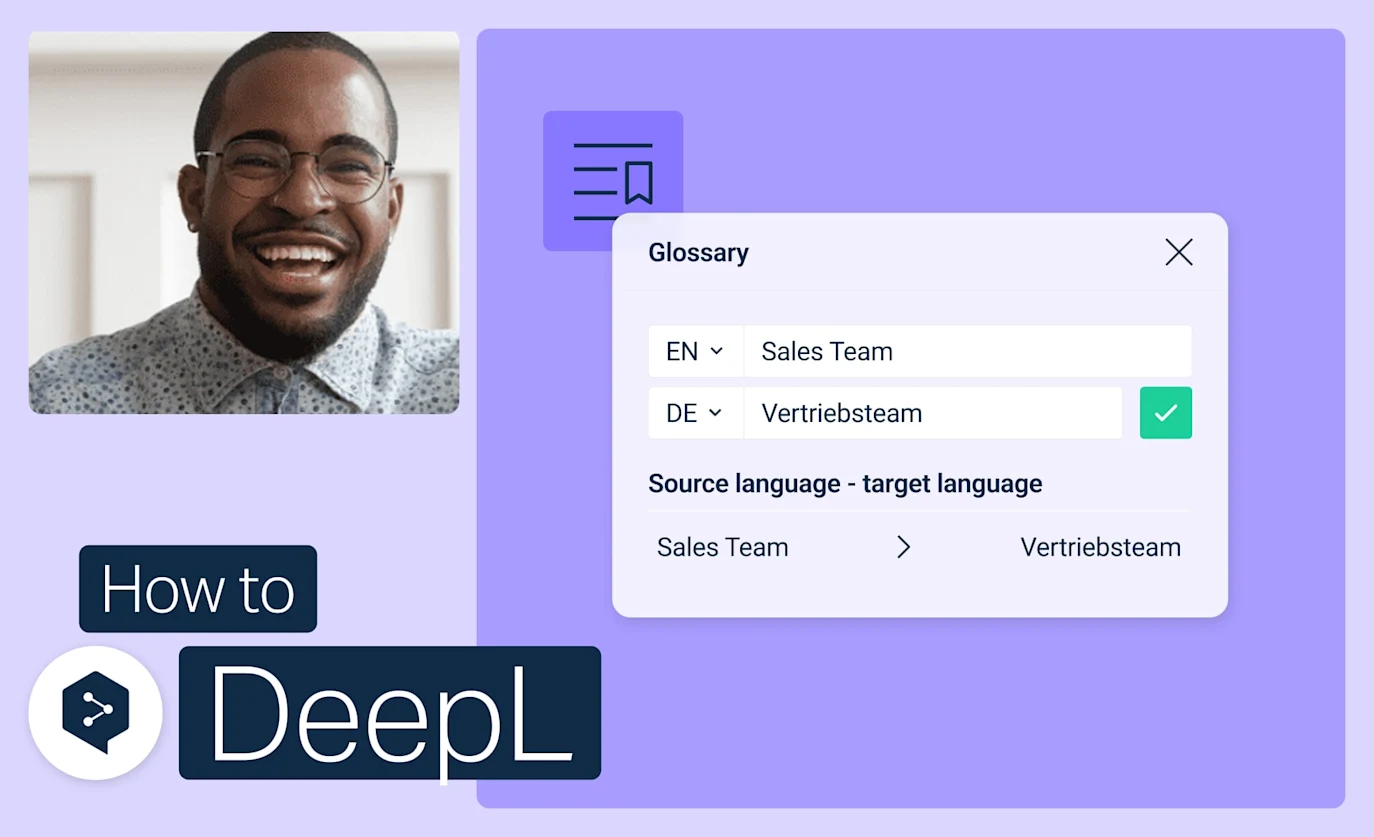
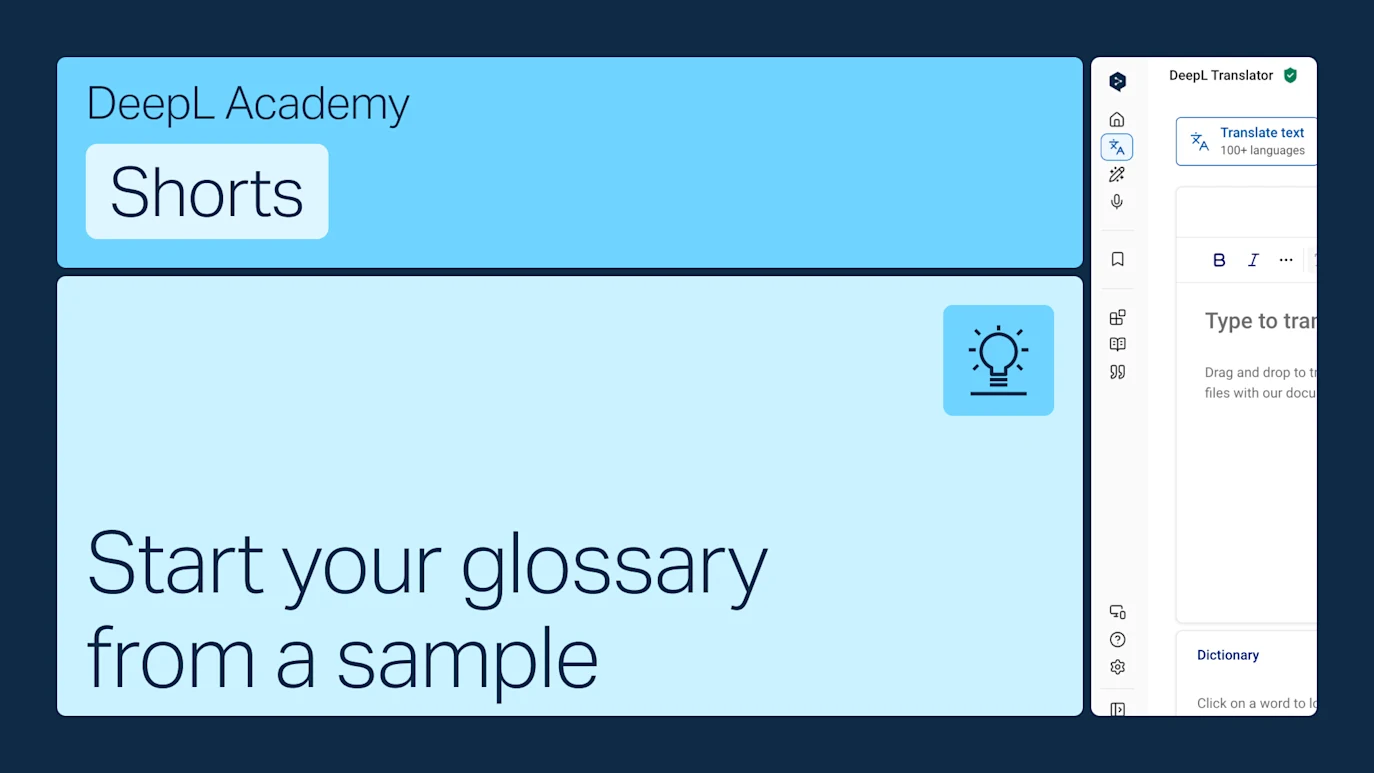
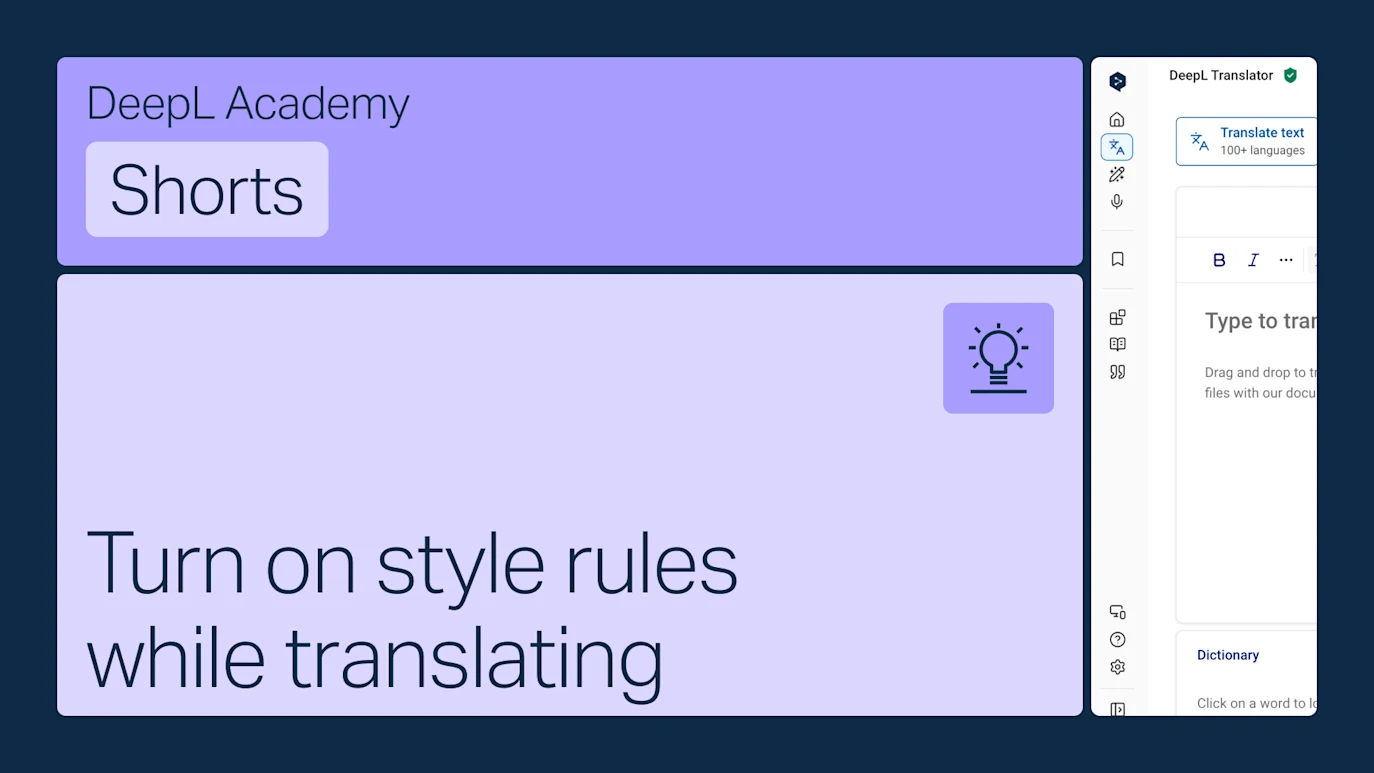
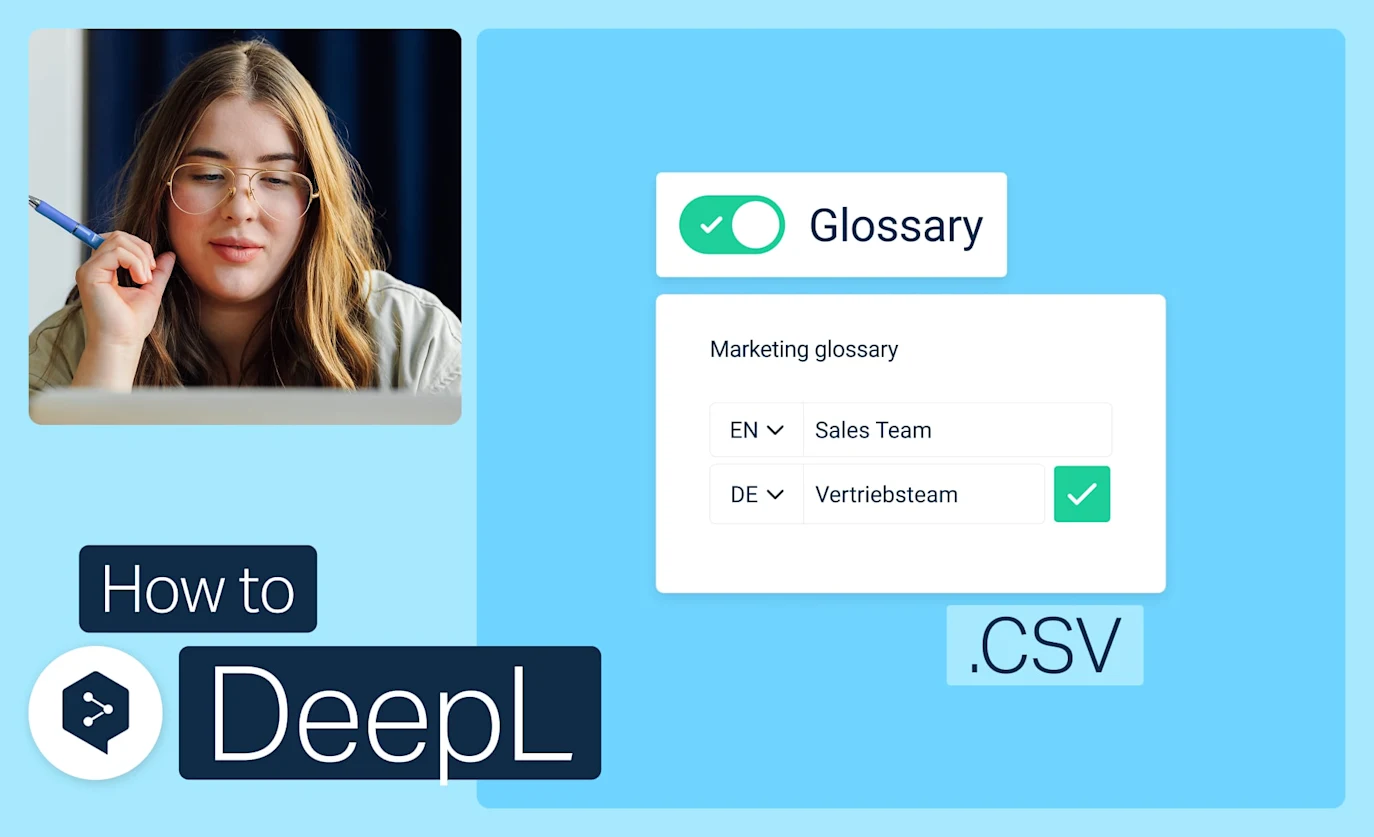
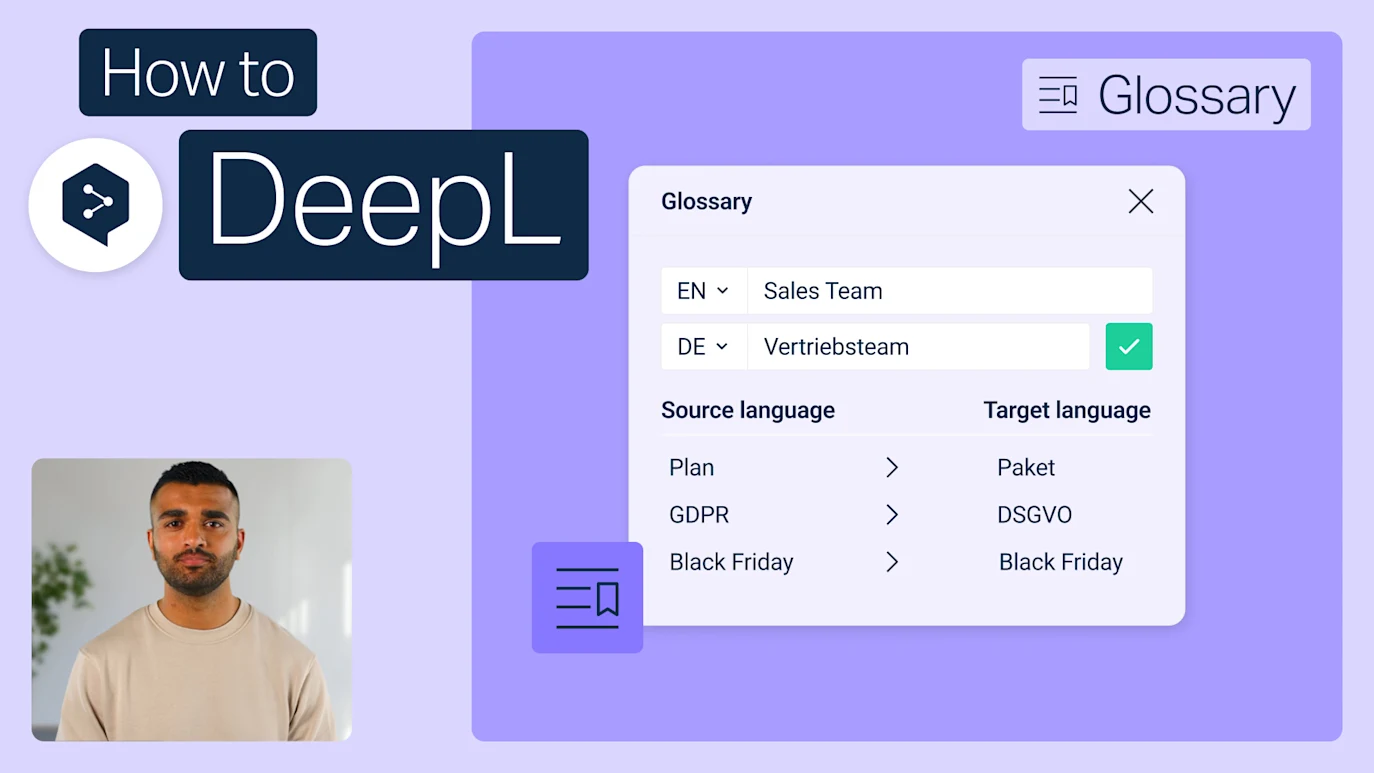
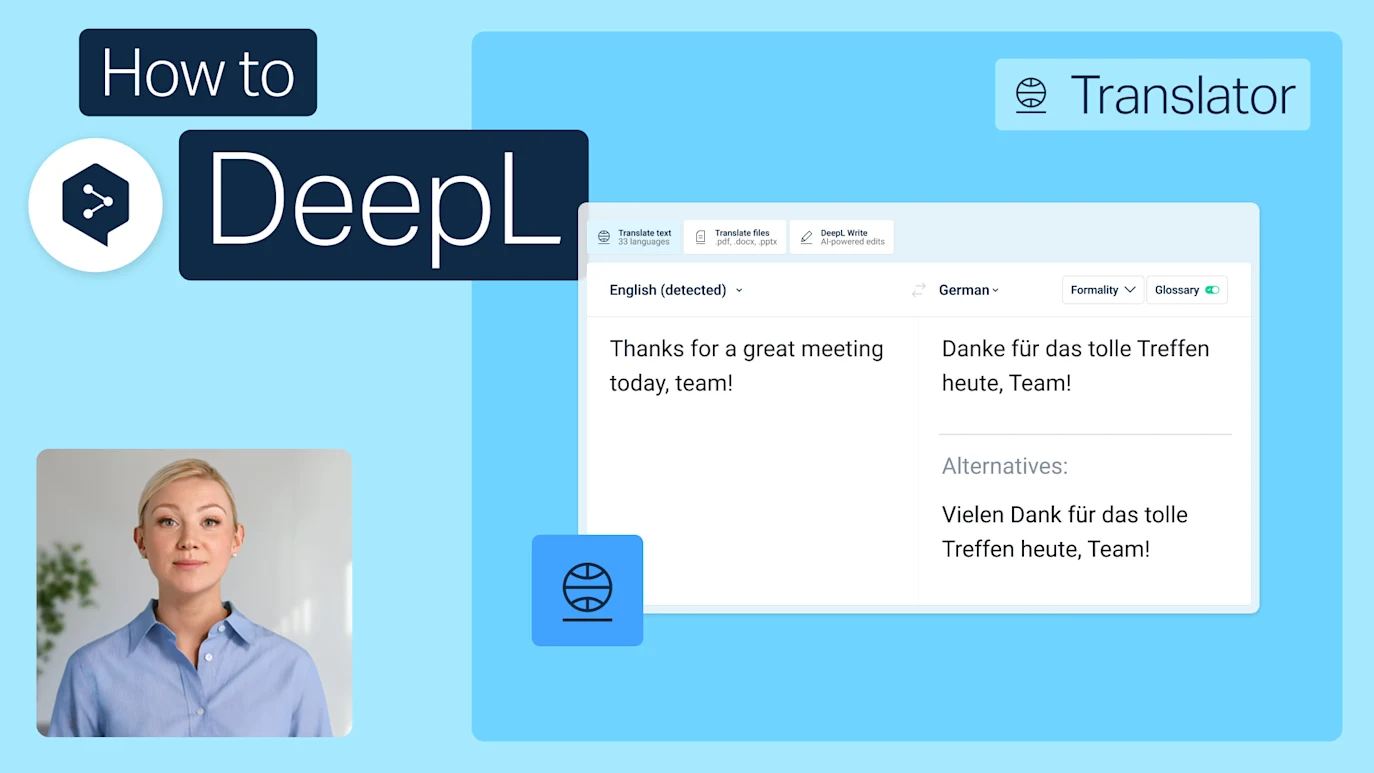
Get more out of DeepL Translator with tips on source text, the Customization Hub, glossaries, and style rules.
- Time: 2 minutes
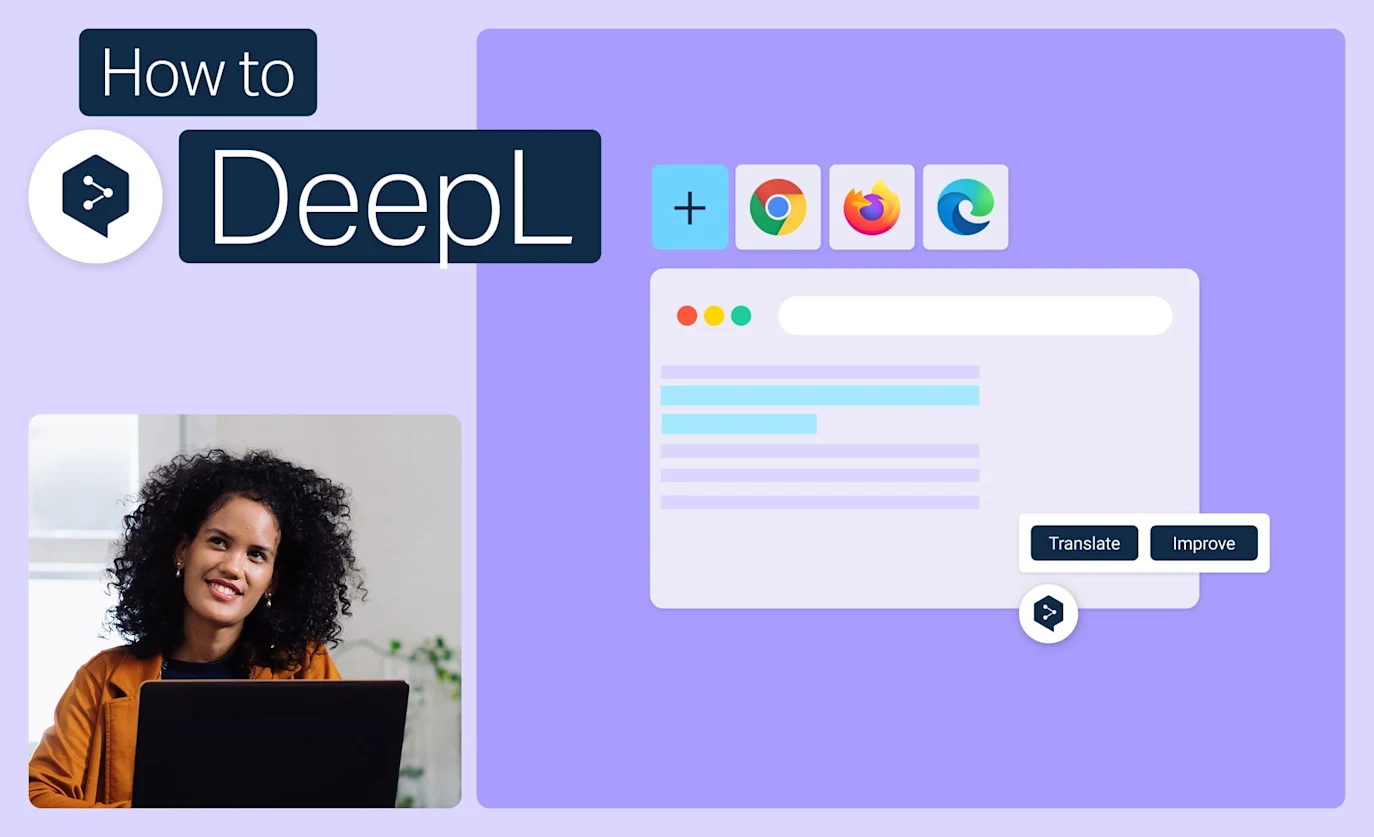
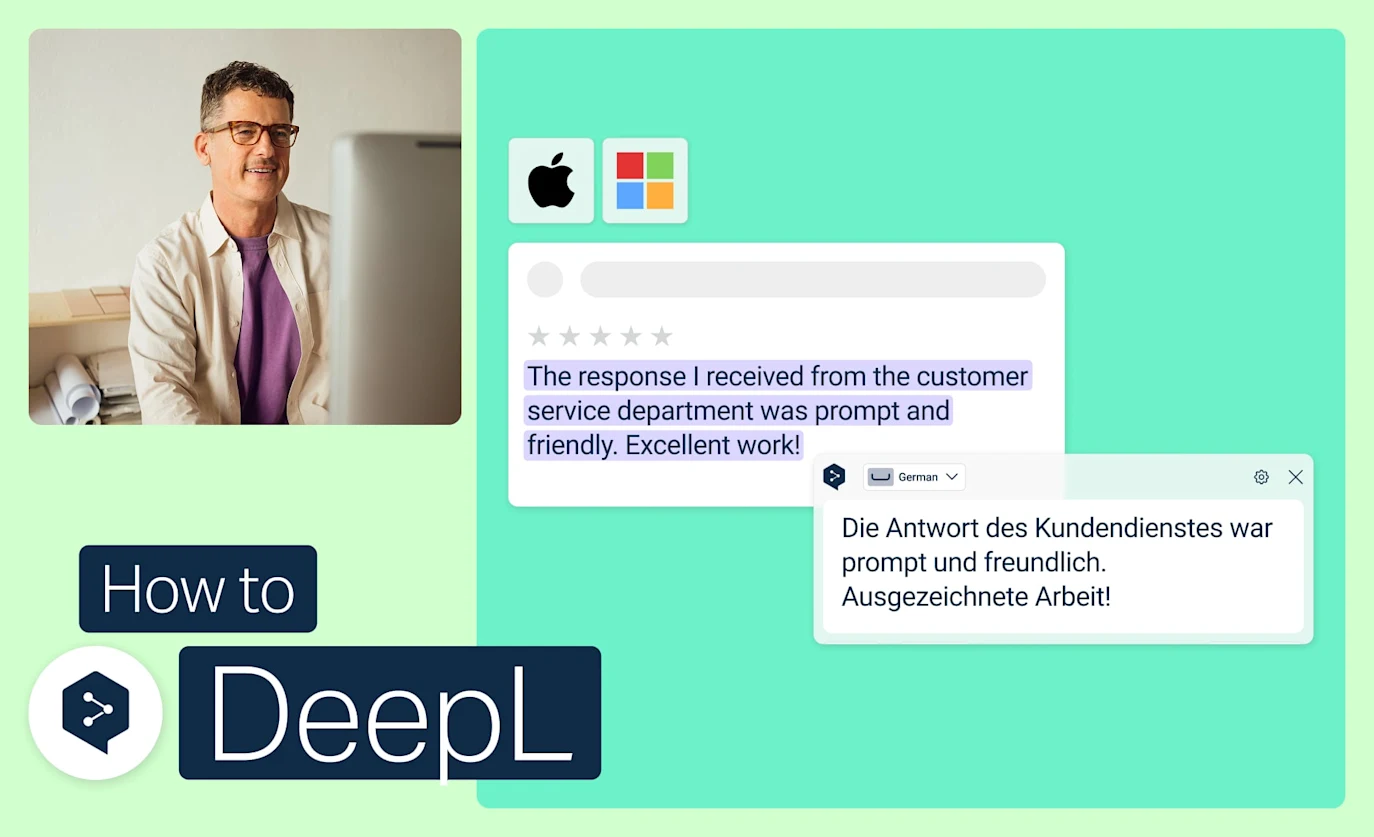
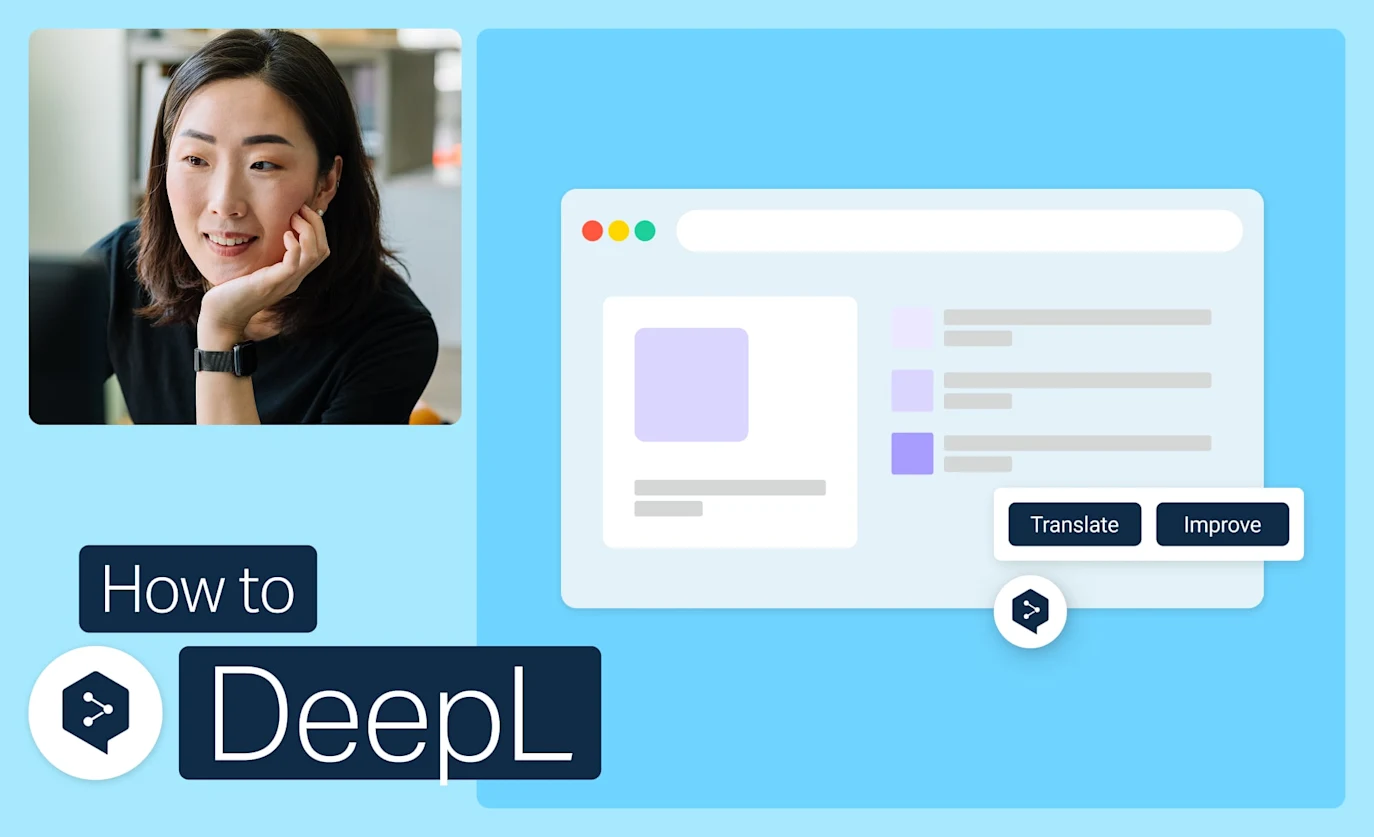
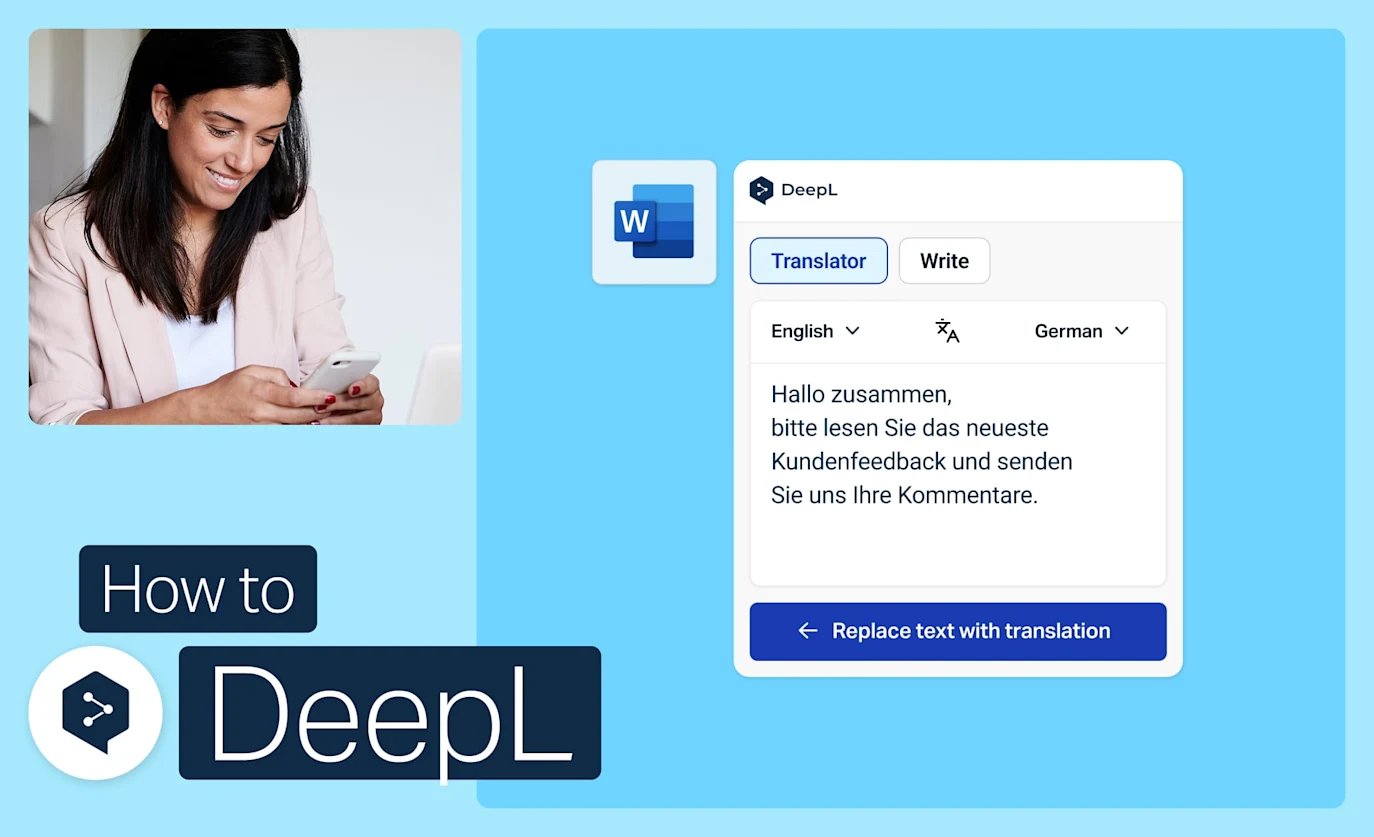
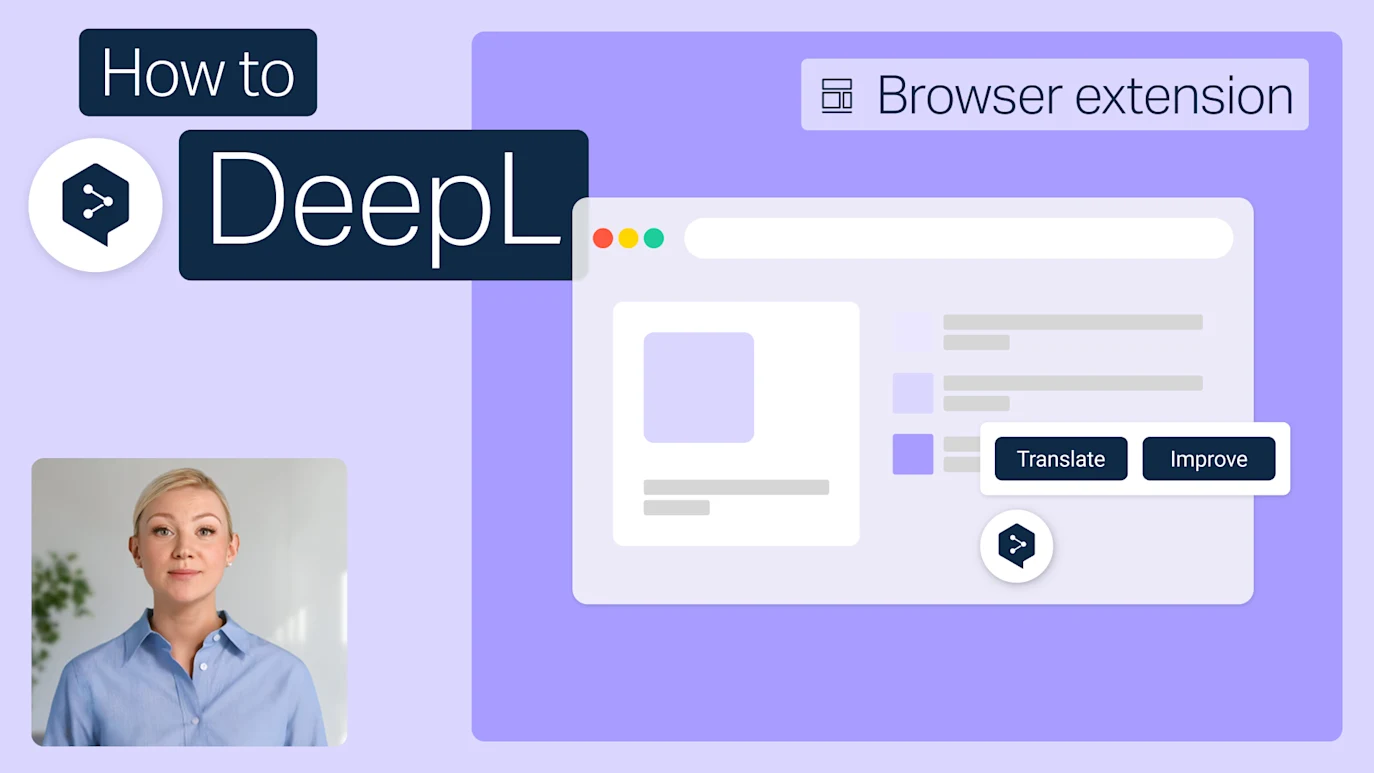
Get the most from the browser extension
Translate and refine text without leaving the page you're on. DeepL's extension works on any web page, one click, no new tab. Start with these best practices.
- Time: 2 minutes

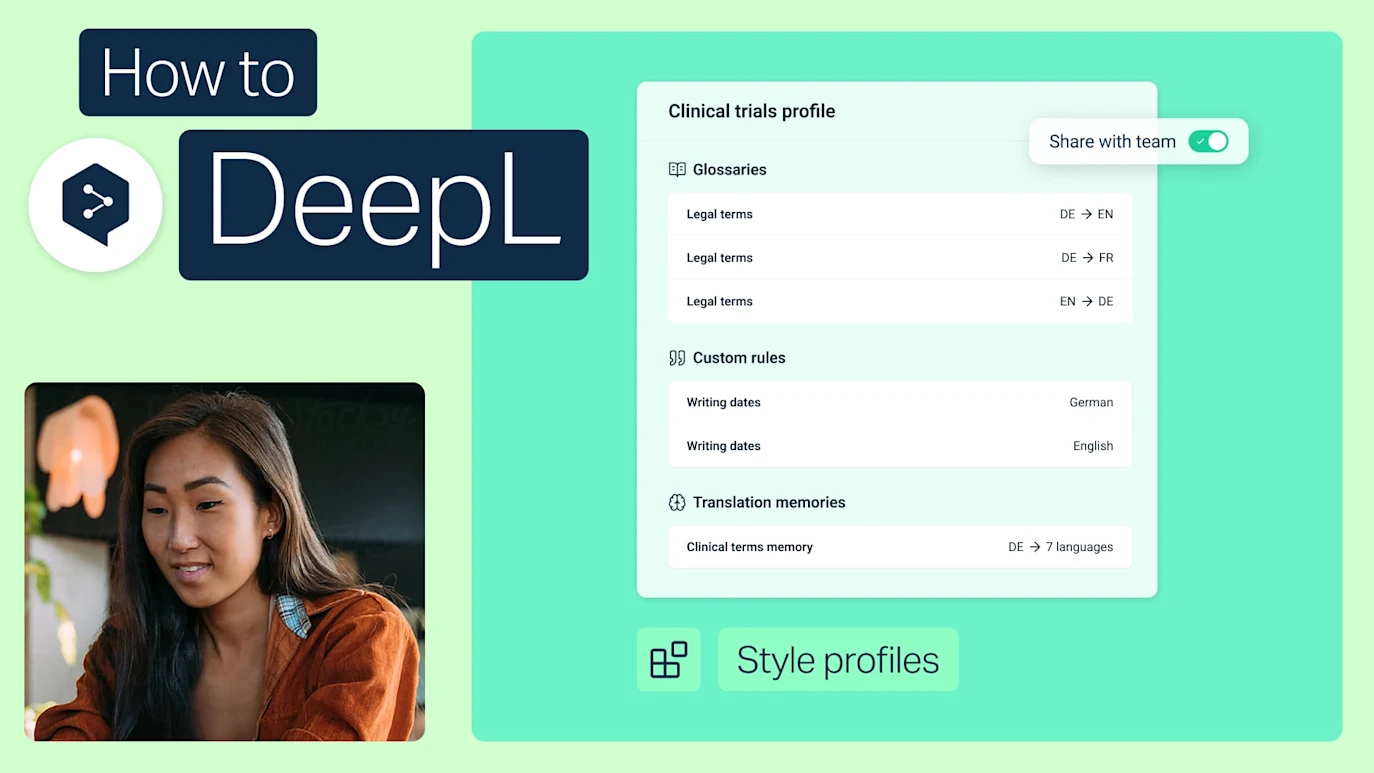
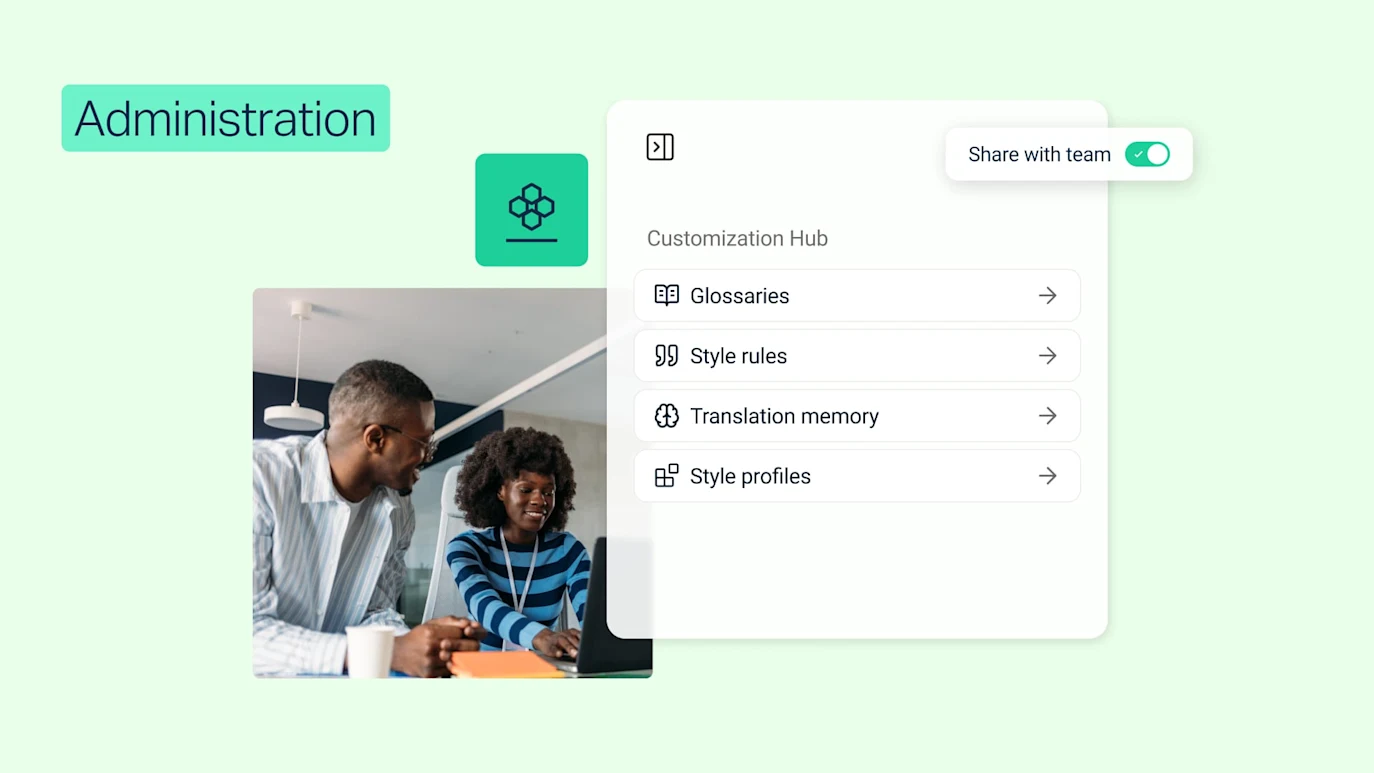
Set up DeepL’s Customization Hub
Your terminology, your style, your rules. Customization Hub is where you set them up, so translations stay consistent. Start with these best practices.
- Time: 2 minutes

How Nagasaki University overcomes language barriers with DeepL
Discover how DeepL helped the Nagasaki University to overcome language barriers by providing an AI-first infrastructure for multilingual projects.
- Time: 5 minutes